
TCM Lab · Health reading
Tennis Elbow from Computer Mouse Use: Understanding the Cause
Published Updated
An aching outer elbow after a long week of clicking, dragging and switching between screens can be worrying, especially when a coffee cup, door handle or handshake begins to hurt. Tennis elbow from computer mouse use is possible because repeated wrist and forearm activity can overload the tendon attachment on the outside of the elbow. It is not a diagnosis that can be made from mouse use alone, however. Looking at the pain pattern, the total hand workload and any nerve or injury signs helps you decide whether to adjust your setup, start a measured return to activity, or arrange an assessment. [1] [2]
Appointments are confirmed through WhatsApp. If you have language requirements, please mention them in your enquiry.
The short answer
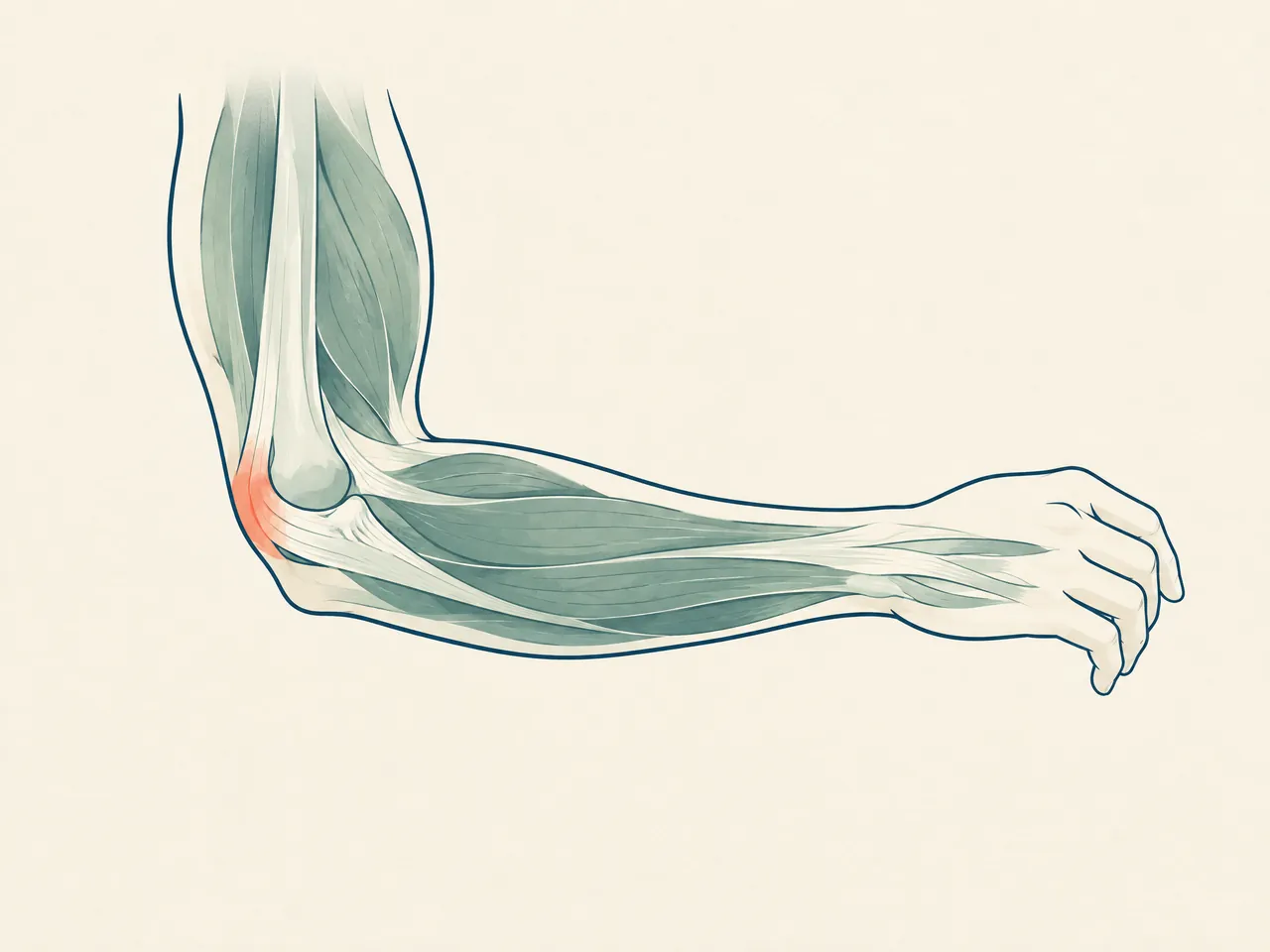
Tennis elbow from computer mouse use may arise when repeated clicking, gripping, scrolling or a held wrist position repeatedly loads the forearm muscles and tendons attached to the outer elbow. Pain commonly appears around the outside of the elbow and may worsen with gripping or wrist movement. Reduce the tasks that repeatedly provoke it, vary your position and seek professional advice if pain persists, affects daily function, or follows an injury. [1] [2]
Transparent pricing
See the fees.
Choose your care.
Explore our complete official price list, including first-trial prices, regular prices, packages and branch-specific options.
Opening WhatsApp prepares an enquiry; it does not send a message, take payment or confirm an appointment. Suitability and individual arrangements are confirmed during consultation.
Pain care
All prices in HKDExtracorporeal shockwave treatment
Shockwave treatment for deep-tissue and fascial care. The Kwun Tong clinic offers the multi-area options shown below.
Priced by branch
Branch-specific pricing
Prince Edward: HK$250 per area
Kwun Tong: HK$250 for 1 area / HK$450 for 2 areas / HK$600 for 3 areas
Pain care (manual therapy)
Includes Chinese medicine musculoskeletal assessment, manual joint techniques and tui na.
HK$580 (single session)
Chinese medicine musculoskeletal assessment
Pain care (acupuncture and manual therapy)
Combines acupuncture and manual therapy.
HK$680 (single session)
Combined care
Hair and scalp
All prices in HKDScalp health and hair-loss management
Includes AI scalp analysis, deep scalp and follicle cleansing, and scalp oil-control care.
HK$380 (first trial)
Regular price: HK$680
- 6 sessions: HK$3,480 (HK$580 per session)
- 12 sessions: HK$5,760 (HK$480 per session)
- 20 sessions: HK$8,600 (HK$430 per session)
- 30 sessions: HK$11,400 (HK$380 per session)
Hair acupuncture and Chinese herbal medicine package
Includes scalp acupuncture and 3 days of Chinese herbal medicine that does not require decoction.
HK$580 (single session)
Registered Chinese Medicine Practitioner consultation
- 6 sessions: HK$3,180 (HK$530 per session)
- 12 sessions: HK$5,760 (HK$480 per session)
- 20 sessions: HK$8,600 (HK$430 per session)
- 30 sessions: HK$11,400 (HK$380 per session)
Combined hair and scalp treatment
Combines acupuncture and Chinese herbal medicine with salon-level scalp and follicle care. Packages include complimentary hair-care shampoo and serum.
HK$1,260 (single session)
Combined treatment
- 8 sessions: HK$8,640 (HK$1,080 per session)
- 16 sessions: HK$15,680 (HK$980 per session)
- 20 sessions: HK$18,600 (HK$930 per session)
- 30 sessions: HK$26,400 (HK$880 per session)
Weight management
All prices in HKDFull-body acupoint embedding for weight management
Includes full-body acupoint embedding. Packages include complimentary Chinese herbal medicine for weight management, with the number of included days scaled to the package. Embedding material and the individual treatment arrangement are confirmed during consultation; this is not a cosmetic thread lift.
HK$980 (single session)
No trial session
- 10 sessions: HK$7,800 (HK$780 per session)
- 20 sessions: HK$14,600 (HK$730 per session)
- 30 sessions: HK$20,400 (HK$680 per session)
Facial acupuncture
All prices in HKDFacial acupuncture (basic)
Includes facial acupuncture and meridian-based facial care, including care for facial puffiness.
HK$480 (first trial)
Regular price: HK$680
- 10 sessions: HK$5,200 (HK$520 per session)
- 20 sessions: HK$9,600 (HK$480 per session)
- 30 sessions: HK$13,500 (HK$450 per session)
Facial acupuncture (advanced)
Includes enhanced facial acupuncture with a specially formulated moisturising mask and serum.
HK$780 (first trial)
Regular price: HK$1,180
- 10 sessions: HK$9,000 (HK$900 per session)
- 20 sessions: HK$16,600 (HK$830 per session)
- 30 sessions: HK$23,400 (HK$780 per session)
Chinese medicine
All prices in HKDAcupuncture and Chinese herbal medicine package
Includes a Chinese medicine consultation with pulse assessment, body acupuncture and 3 days of Chinese herbal granules that do not require decoction.
HK$580 (single session)
Chinese medicine consultation with pulse assessment
Tennis Elbow from Computer Mouse Use: How Repetition Stresses the Elbow
The name can be misleading. Tennis elbow, also called lateral epicondylitis, is not reserved for racquet sports. It describes a painful pattern around the outer elbow that is often associated with overuse of the forearm muscles and tendons. Those tissues help extend or steady the wrist and fingers while the arm works. Repeated mouse work is one possible contributor, alongside home tasks, sport and manual work. For a broader explanation of activity patterns, see our guide to tennis elbow causes. [1] [3]
A mouse does not have to feel heavy to be demanding. The hand may make hundreds of very small movements while holding the wrist slightly extended, positioning the pointer, clicking, dragging files or keeping a finger poised above a button. The elbow can also be held away from the body while the shoulder and forearm stay tense. A single action may be comfortable; the issue is the total, repeated load without enough variation or recovery. Symptoms commonly build rather than start with one memorable moment. [1] [3]
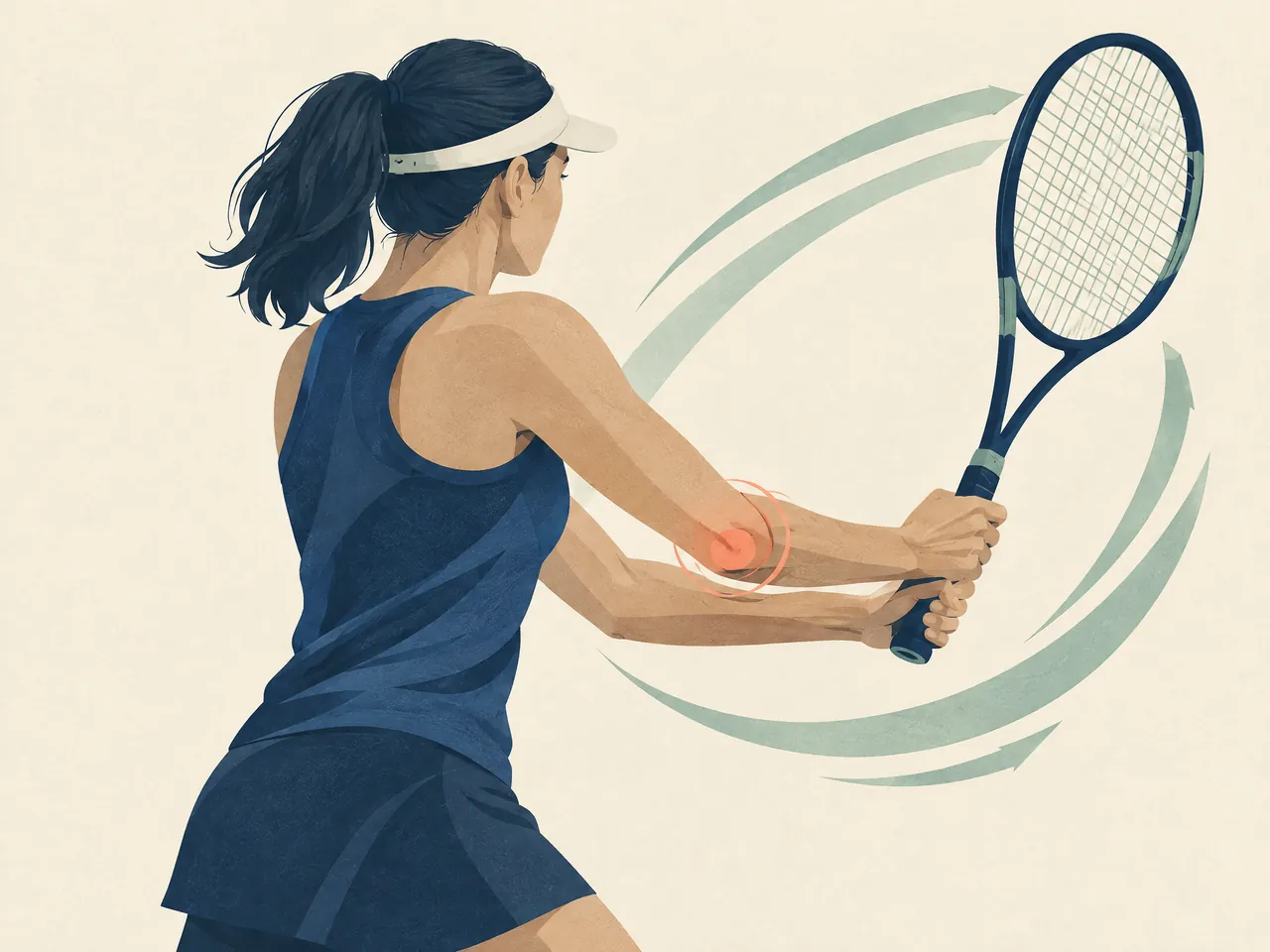
The same desk setup does not affect everyone in the same way. A deadline, intensive spreadsheet work, gaming after work, phone use, carrying shopping or weekend DIY can add to the same forearm workload. This is why it is useful to think in terms of the whole week rather than blame one device. A careful timeline—when pain first appeared, which tasks were added, and what reliably changes it—gives more useful information than a simple yes-or-no answer about mouse use.
Tennis Elbow from Computer Mouse Use and Forearm Tendon Overuse
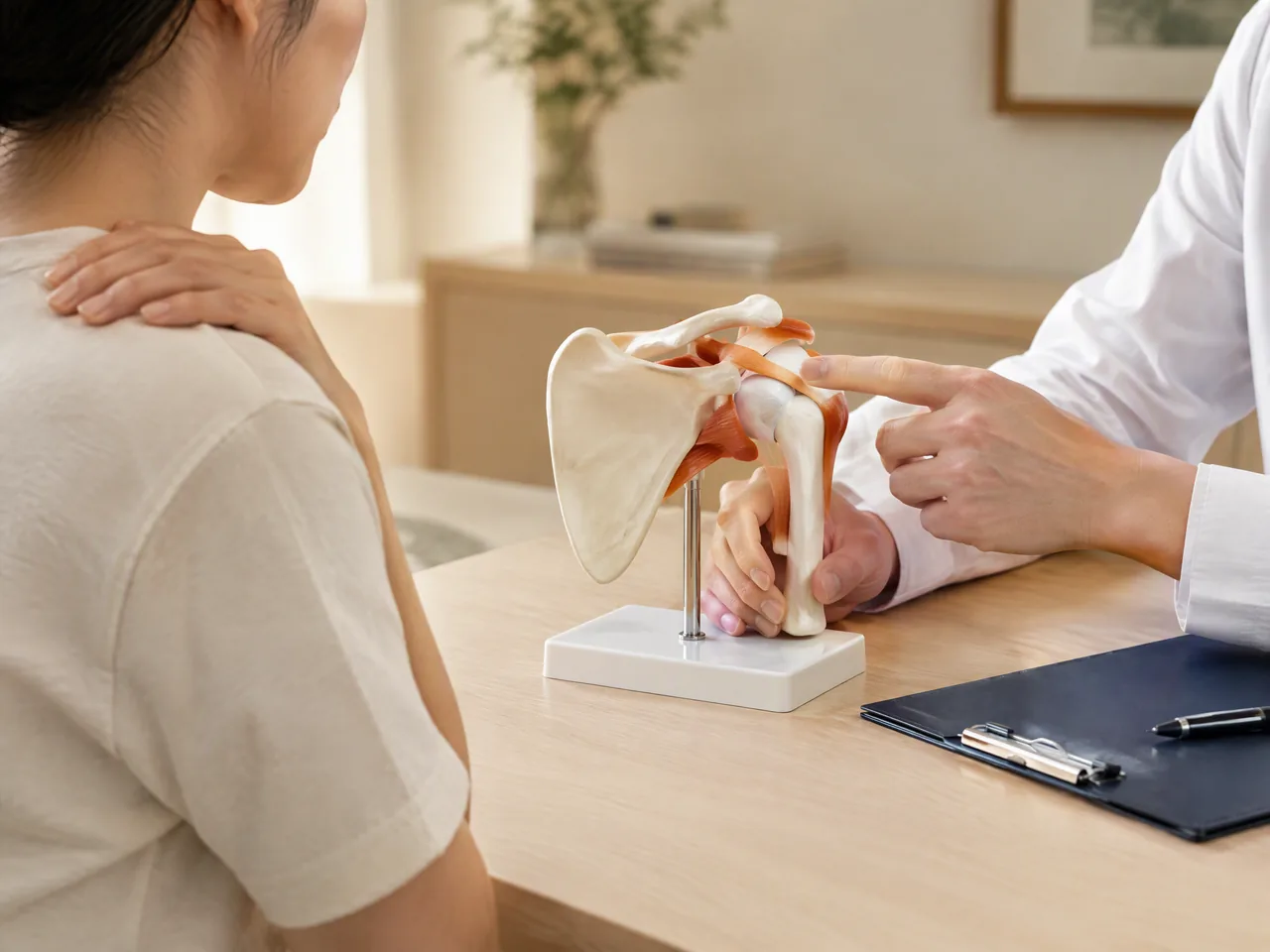
The tender area in tennis elbow is usually near the bony point on the outer side of the elbow, where tendons connect forearm muscles to bone. These muscles contribute to wrist and finger extension and help stabilise the wrist during hand activity. Repeated loading can be associated with tendon changes and local pain or tenderness; in everyday terms, a routine task begins to feel disproportionately sore. The term describes a clinical pattern, not proof that the mouse alone caused it. Our overview of lateral epicondylitis causes explains why more than one exposure can matter. [1] [3]
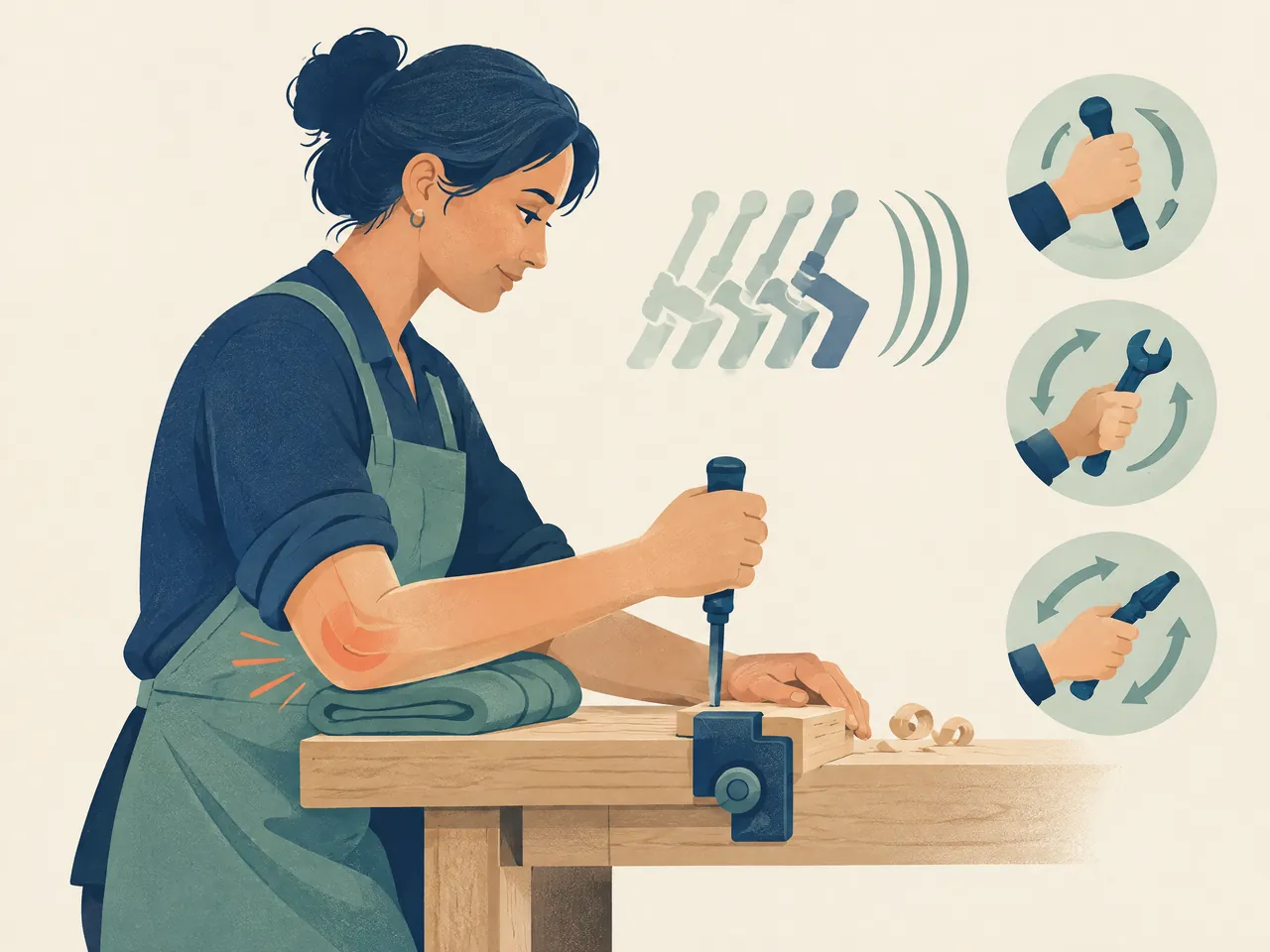
A useful observation is whether the outer elbow hurts during or after actions that ask the hand to work against resistance: lifting a pan with the palm down, squeezing a bottle, shaking hands, turning a key or holding a mug. These actions do not confirm a diagnosis, but they can show that the problem is related to forearm load rather than just the time spent seated. Note which action is difficult and where the pain travels, rather than repeatedly testing a painful movement throughout the day. [1] [3]
Tennis Elbow from Computer Mouse Use: Movements That May Trigger Pain
At the desk, symptoms may be linked to forceful or rapid clicking, long click-and-drag actions, scrolling with a tense finger, reaching sideways for a mouse, or working with the wrist bent up, down or to one side. Keyboard shortcuts, voice input or alternating hands can sometimes reduce one repeated movement, but the best change depends on the task. An expensive device is not automatically a solution if the old workload and guarded posture remain unchanged.
It also helps to look beyond the screen. A person who has pain while using a mouse may also be doing repetitive gripping when cooking, carrying a child, using tools or training at the gym. If gripping is a clear trigger, read about tennis elbow from gripping and bring that detail to an assessment. The objective is not to eliminate every hand movement; it is to identify the combination that repeatedly exceeds the elbow’s current tolerance. [1] [2]
Compare your options
| Pattern to notice | Practical adjustment to trial | Detail to record for an assessment |
|---|---|---|
| Long click-and-drag sessions or rapid repeated clicking | Split the task into shorter blocks; use keyboard shortcuts where they genuinely reduce mouse work | Which software task triggers pain, where it is felt, and whether pain is during work or later |
| Mouse placed far to the side, with the arm reaching | Bring the mouse within easy reach and avoid holding the elbow away from the body for long periods | Whether a closer position changes outer-elbow pain, forearm ache or shoulder tension |
| Wrist held bent while scrolling or gripping the mouse | Experiment with a more neutral wrist and a lighter grip; keep only changes that feel easier | Whether wrist movement, gripping a cup or turning a handle also brings on symptoms |
| Mouse work combined with tools, lifting, gaming or repeated home tasks | Reduce the clearest aggravators temporarily and spread demanding hand tasks across the day | The full weekly hand workload, recent changes, previous injury, numbness or weakness |
On smaller screens, scroll the table sideways to compare all columns.
Tennis Elbow from Computer Mouse Use: Symptoms and Other Possible Causes
The classic symptom is pain or tenderness on the outside of the elbow. It can stay local or spread down the forearm toward the wrist. Some people notice it only when they click after a busy day; others feel it while lifting, gripping or twisting. A weaker-feeling grip can occur because these actions are painful. The pattern may develop gradually over weeks or months, and either the dominant or less-used arm can be affected. [1] [3]
Pay attention to the location and the behaviour of the pain. Outer-elbow tenderness that flares with wrist movement or gripping is different from pain centred on the inner elbow, pain directly after a fall, or a hot swollen joint. It is also different from tingling in the hand that comes with neck pain or symptoms travelling from the neck down the arm. Those distinctions do not replace examination, but they show why a single label should not be applied to every work-related elbow ache. [3]
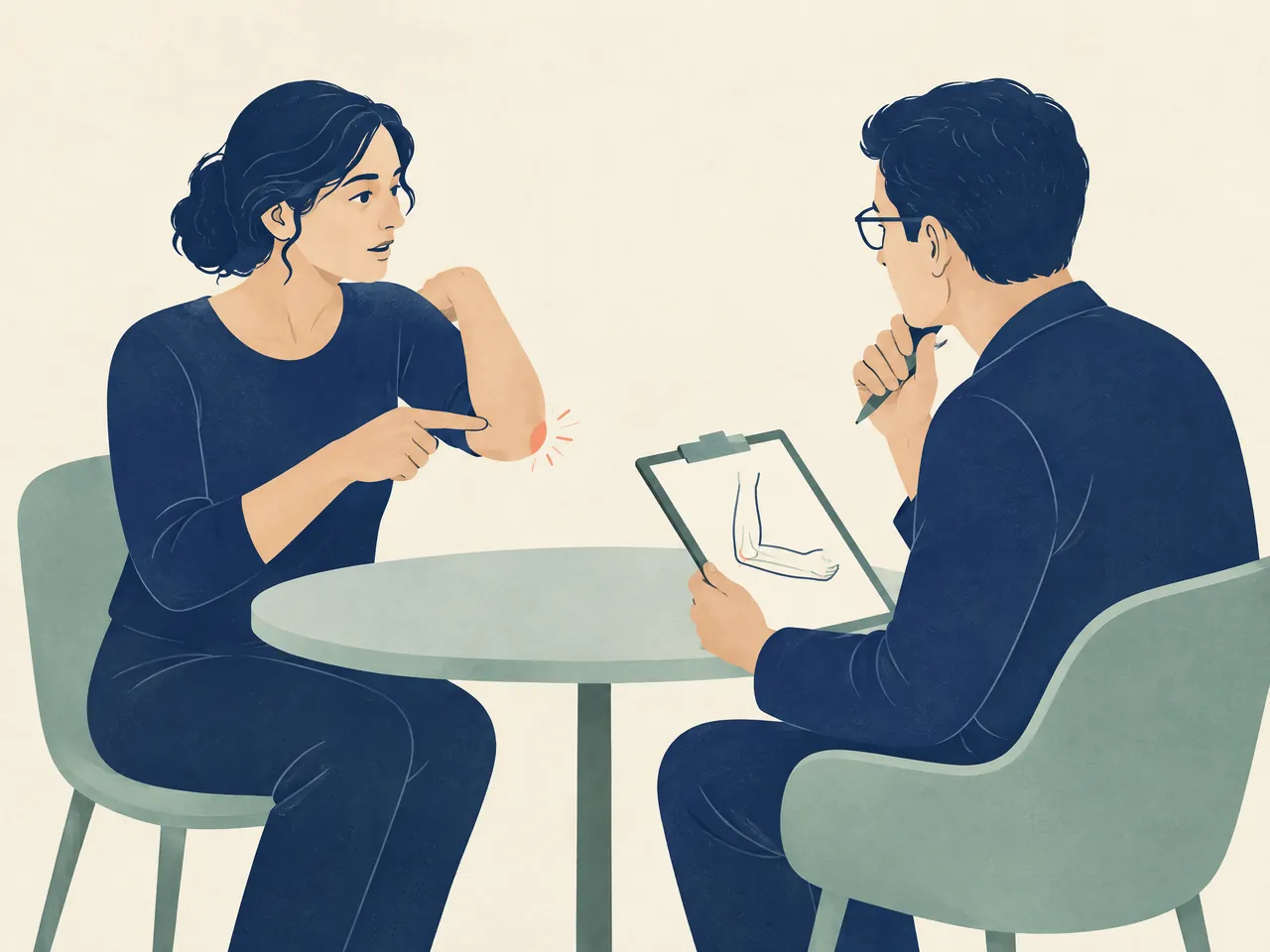
A short symptom record can make a consultation more efficient. Record whether pain is sharp, aching or burning; whether it occurs during work or later; which mouse action, household task or sport brings it on; and what has already been tried. Include changes in grip, sensation, sleep or the ability to straighten the elbow. For a wider comparison of patterns, the page on outside elbow pain causes may help you frame the questions to ask, not self-diagnose them.
Tennis Elbow from Computer Mouse Use: Outer-Elbow Pain and Grip Sensitivity
Outer-elbow pain is often easier to notice in ordinary moments than at the computer itself. Turning a doorknob, holding a takeaway cup, lifting a bag with the arm outstretched, or opening a jar may reproduce the same discomfort. Mayo Clinic notes that gripping, turning a doorknob and holding a cup can become difficult with tennis elbow, while the NHS lists gripping and wrist movement as common aggravators. [1] [2]
Try to describe the functional change precisely. “My elbow hurts” is less informative than “the outer elbow is sore when I drag a mouse to the second monitor and when I pour from a kettle.” Specific examples help distinguish an activity-related tendon pattern from a more diffuse ache. Avoid deliberately pushing through a strong pain response to prove the point. Repeated testing can simply add more load and make it harder to judge whether a work change is helping.

Tennis Elbow from Computer Mouse Use or Another Source of Elbow Pain?
Computer work may be part of the story, but it cannot establish the cause on its own. Elbow pain can relate to a tendon problem, a joint issue, a nerve being compressed, referred pain from the neck, or an injury. During an examination, clinicians consider how symptoms developed, the activities involved, tenderness and movement tests; imaging or nerve tests may sometimes be used to rule out another explanation. [3]
Arrange prompt medical assessment after a significant fall or blow, with a visible deformity, marked redness or swelling, a rapidly enlarging lump, fever, new numbness, or obvious weakness. These are not features to manage by rearranging a mouse. For pain without those warning signs, seek professional advice when sensible load changes and self-care are not easing the problem, when symptoms are persisting, or when everyday work and self-care are becoming difficult. [1] [2]
Tennis Elbow from Computer Mouse Use: Load Changes and Care Options
The first practical step is usually not perfect posture; it is a workable reduction in the actions that consistently provoke pain. Move the mouse closer so the elbow need not reach sideways, support the forearm if that is comfortable, and keep commonly used controls within easy reach. Break a large design, spreadsheet or editing task into smaller blocks and switch to a different task before symptoms climb. A change should be judged by function over several days, not by whether it gives immediate relief after one hour.
This is activity modification, not complete inactivity. Resting from a clearly painful task can settle an irritated pattern, but the arm also needs a gradual return to the movements required for daily life and work. If one adjustment is helpful, keep it; if a change causes more discomfort or makes the hand work harder, undo it. Where a job offers little flexibility, an occupational or physiotherapy assessment may help identify a more realistic combination of equipment, task pacing and rehabilitation. [2] [3]

Comfort measures can be chosen according to response. Some people prefer a wrapped cold pack after an aggravating spell, while others prefer gentle warmth before activity when the forearm feels stiff. The NHS includes both hot and cold packs among self-care options and advises wrapping them in a towel. They are comfort tools, not a substitute for finding the repeated trigger or obtaining care when it is needed. Our guide to tennis elbow heat or ice discusses how to make that choice cautiously. [2]
Tennis Elbow from Computer Mouse Use: Stretching and Gradual Strengthening
Stretching and strengthening are often discussed because the affected forearm muscles need to tolerate ordinary gripping and wrist activity again. The NHS notes that physiotherapy may include wrist and forearm stretching and strengthening, and AAOS describes specific exercise as part of non-surgical care. The right starting point varies with pain, irritability, work demands and the ability to perform the movement accurately. If an exercise produces sharp or escalating pain, stop rather than forcing a preset number of repetitions. [2] [3]
A sensible progression is built around tolerance: begin with a movement or light hold that is manageable, observe the response later that day and the next morning, then increase only gradually. This is different from either avoiding the arm indefinitely or returning immediately to a full day of intense mouse work. A physiotherapist or another qualified clinician can tailor the exercise choice and loading. If you are considering Chinese medicine, a Registered Chinese Medicine Practitioner can assess the presentation within a traditional approach and discuss whether acupuncture is an appropriate complementary option; it should not be presented as a guaranteed replacement for rehabilitation or medical evaluation. [4]

Tennis Elbow from Computer Mouse Use: When to Seek Professional Advice
Professional advice is useful when you are unsure what is causing the pain, cannot adapt the task safely, or find that grip, work or sleep is being affected. Bring the symptom record, a description or photograph of the desk arrangement, and a list of activities outside work that involve gripping or twisting. This lets the clinician consider the full load rather than assuming the mouse is the single culprit. NHS guidance advises a GP review when elbow pain remains after at least two weeks of rest and self-care. [2]
At TCM Lab, you can enquire about an appointment to discuss persistent elbow symptoms and what type of assessment may be suitable. There are two clinic locations: Chinese medicine clinic Prince Edward and Kwun Tong Chinese medicine clinic. Contact TCM Lab by WhatsApp at +852 6940 5663, describe the elbow problem and any language needs, and confirm the appointment arrangement before attending. Urgent injury or neurological warning signs need timely conventional medical assessment rather than a routine consultation.
Care and health guide
Health service information
This directory brings together services, reading, and visit information related to health services, to help you prepare questions for a consultation.
If you are organising health questions, Chinese medicine clinic Hong Kong is a starting point for learning about related services and preparing for a consultation.
People have different needs; acupuncture Hong Kong provides further reading to help you understand options in your own context.
Your questions, answered
Frequently asked questions
Can tennis elbow from computer mouse use happen without swelling?
Should I buy an ergonomic mouse straight away?
A different mouse may be worth trialling if it makes the wrist and forearm feel more relaxed, but it is not a stand-alone cure. Consider placement, click force, task duration, breaks and the rest of your gripping workload as well. Keep the change only if it improves comfort and function.
Can I use heat or ice for tennis elbow from computer mouse use?
Either may be used as a comfort measure if it feels helpful. The NHS includes hot or cold packs wrapped in a towel among self-care measures. Stop if your symptoms worsen, protect the skin, and do not rely on a pack instead of reducing the provoking load or arranging review for persistent pain. [2]
When could numbness or weakness mean it is not simply tennis elbow?
New numbness, marked weakness, neck-related arm symptoms, a significant injury, or a visibly changed elbow should be assessed promptly. Nerve compression and neck problems can produce symptoms that overlap with elbow pain, so these signs should not be managed as routine mouse-related overuse. [3]
Sources and further information
- [1] [1] Mayo Clinic — Tennis elbow: Symptoms and causes
Referenced for: Supports the overuse and repeated wrist-and-arm motion framing, computer-mouse use as a possible trigger, common outer-elbow symptoms, functional examples and advice to seek care if self-care does not help.
- [2] [2] NHS — Tennis elbow
Referenced for: Supports symptom descriptions, computer work as a possible cause, activity modification, wrapped hot or cold packs, exercise and the threshold for non-urgent medical review.
- [3] [3] American Academy of Orthopaedic Surgeons — Tennis Elbow (Lateral Epicondylitis)
Referenced for: Supports the forearm tendon and wrist-extension explanation, gradual symptom development, examination context, possible alternative causes and conservative rehabilitation framing.
- [4] [4] National Center for Complementary and Integrative Health — Acupuncture: Effectiveness and Safety
Referenced for: Supports cautious, non-guaranteed discussion of acupuncture as a complementary pain-care option and the statement that its mechanisms and effects should not be overstated.